
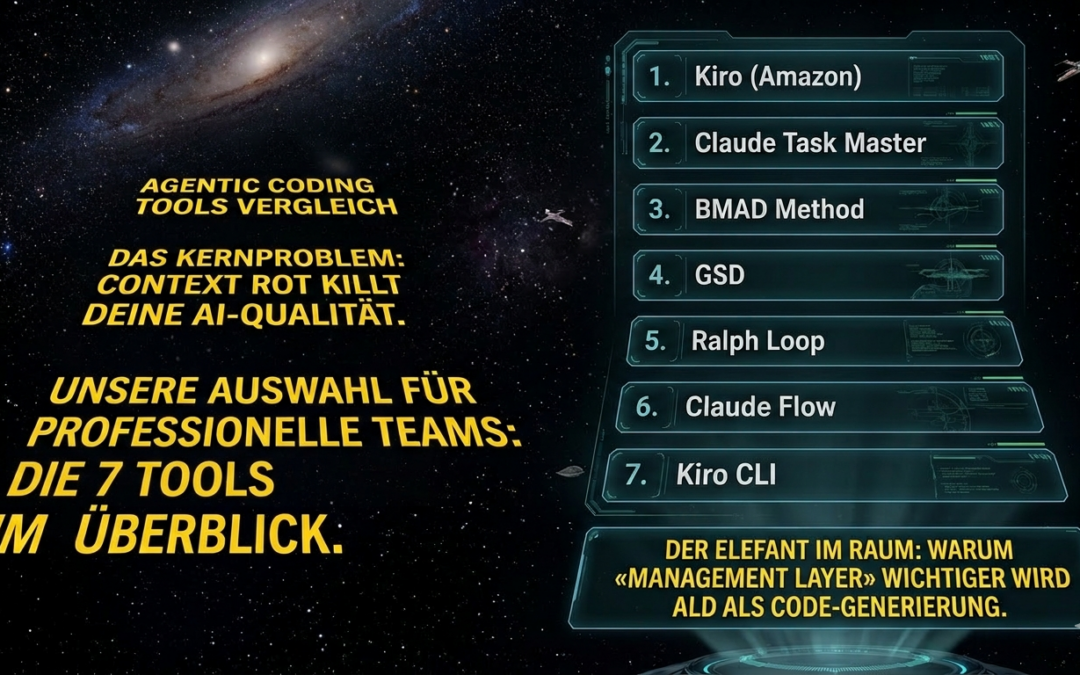
Forget individual AI autocomplete suggestions. The future belongs to agents that plan, orchestrate and deliver autonomously.
It's 2026, and the AI coding landscape has completely changed in the last twelve months. Away from simple code completion. Towards autonomous agents that work through entire feature branches while you sleep.
But here's the problem: the choice of tools has exploded. A new framework on GitHub every week. New promises every week. And the central question for every CTO and tech lead remains: Which tools really deserve a place in my stack?
We fought our way through the thicket. Tested. Compared. Discarded. And identified the tools that really make a difference for professional development teams.
The core problem: Context red kills your AI quality
Before we dive into the tools, you need to understand a concept that explains EVERYTHING: Context red.
Claude's output quality degrades measurably with increasing context fill. Community experience values show: You get peak quality with low context fill. The fuller the context window, the more the model cuts corners. At high utilization? Hallucinations, forgotten requests, drift. There are no official benchmarks for this, but every developer who has worked with AI agents for any length of time is familiar with the effect.
Every single tool in this article addresses precisely this problem. In different ways. With different trade-offs.
The question is not whether you need an orchestration tool. The question is which one.
The 7 tools at a glance: Our selection for professional teams
We have deliberately excluded online IDEs such as Bolt or Lovable. This article focuses on CLI-based tools, orchestration frameworks and systems for long-running autonomous agents. In other words, what you actually integrate into your workflow as a professional developer or CTO.
1st Kiro (Amazon) - The Spec-Driven Powerhouse IDE
 What is it? Kiro is Amazon's answer to the question: What comes after Vibe Coding? An agentic AI IDE based on Code-OSS (VS Code) and powered by Claude Sonnet 4.5. What makes it special: Kiro forces you into a structured spec-driven workflow before a single line of code is written.
How does it work? You describe your feature. Kiro uses this to generate structured requirements, technical design documents, data flow diagrams and API specifications. Only then does the implementation begin. Each task knows its context and its dependencies.
Our rating: Kiro is currently the best tool for systematic project planning with AI. Kiro is a game changer, especially for teams that want to make the transition from «quick prompts» to «clean specifications». However, the free preview still has capacity restrictions. If you reach the daily limit, you will have to wait until the next day.
Ideal for: Teams of any size and cloud environment (Kiro is explicitly cloud-agnostic and not an AWS service), product managers working closely with developers, projects that need to be taken from idea to production.
➡️ kiro.dev
2 Claude Task Master - The task management layer for AI agents
 What is it? TaskMaster is an AI-powered task management system that integrates seamlessly with Cursor, Claude Code, Windsurf and other AI dev environments. It breaks down complex projects into structured, dependency-driven tasks.
How does it work? You feed TaskMaster a PRD (Product Requirements Document). From this, it generates structured tasks with clear dependencies, complexity assessments and implementation sequences. It communicates directly with your AI coding agent via MCP integration.
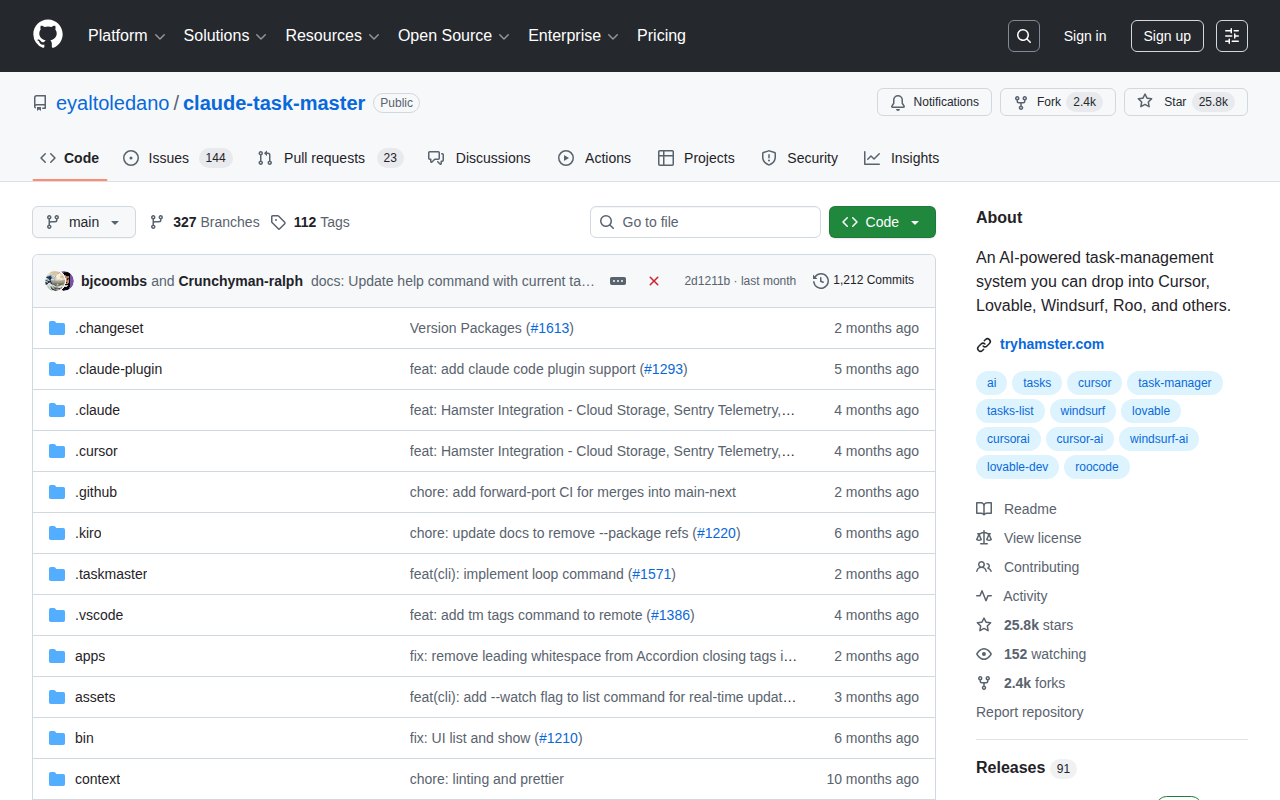 Our rating: TaskMaster is the «project manager» for your AI agent. It solves a real problem. Without a task structure, Claude Code tries to solve everything at once and loses the thread. With TaskMaster, the agent works on one clearly defined task at a time. On Reddit, developers report about 90 percent fewer errors.
Ideal for: CLI-savvy developers, teams already using Claude Code or Cursor, projects with complex dependency chains.
➡️ GitHub: Claude Task Master | task-master.dev
3rd BMAD Method - The virtual agile team of AI agents
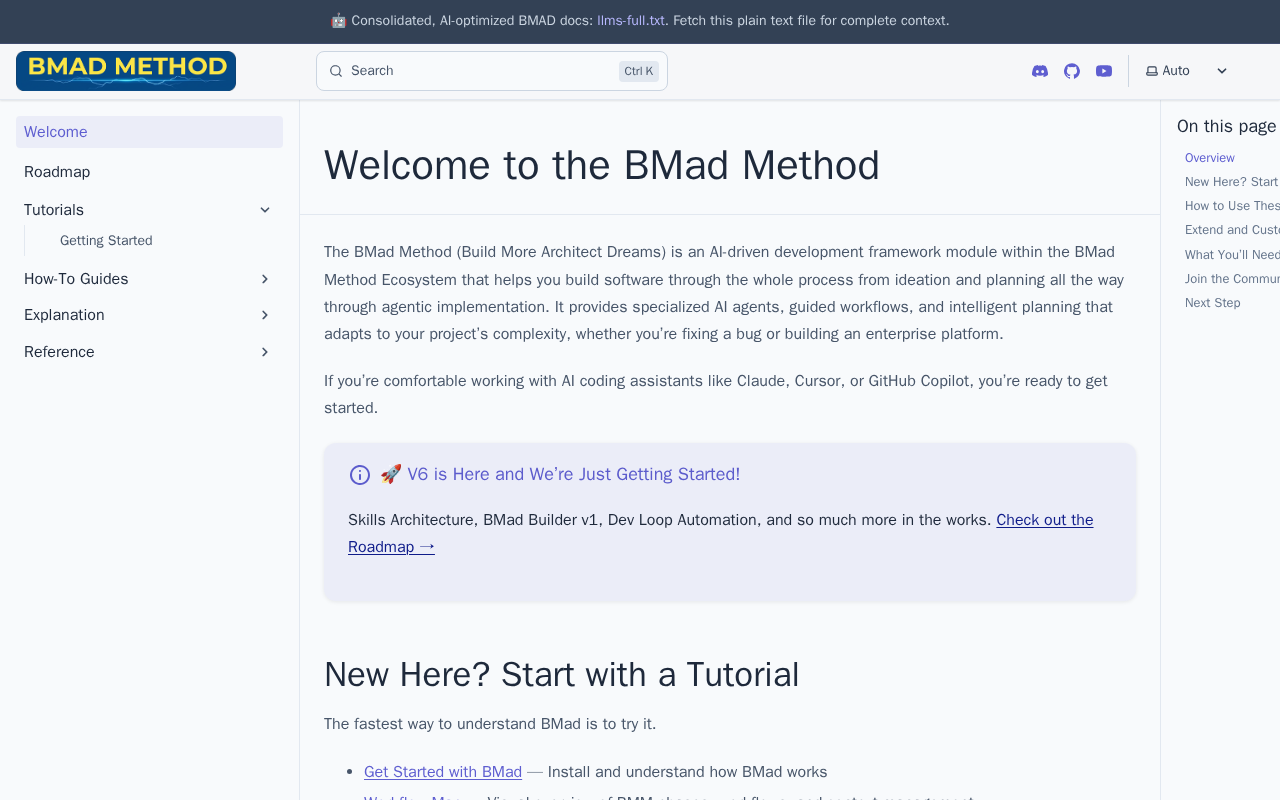 What is it? BMAD stands for «Breakthrough Method for Agile AI-Driven Development». It is not a single tool, but a complete framework that orchestrates over 12 specialized AI agents for different roles - including Product Manager, Architect, Scrum Master, Developer and QA.
How does it work? BMAD works in two phases. First, dedicated agents (Analyst, PM, Architect) collaborate to create detailed PRDs and architecture documents. Then the Scrum master agent transforms these plans into hyper-detailed development stories. The dev agent gets everything they need in one neat package.
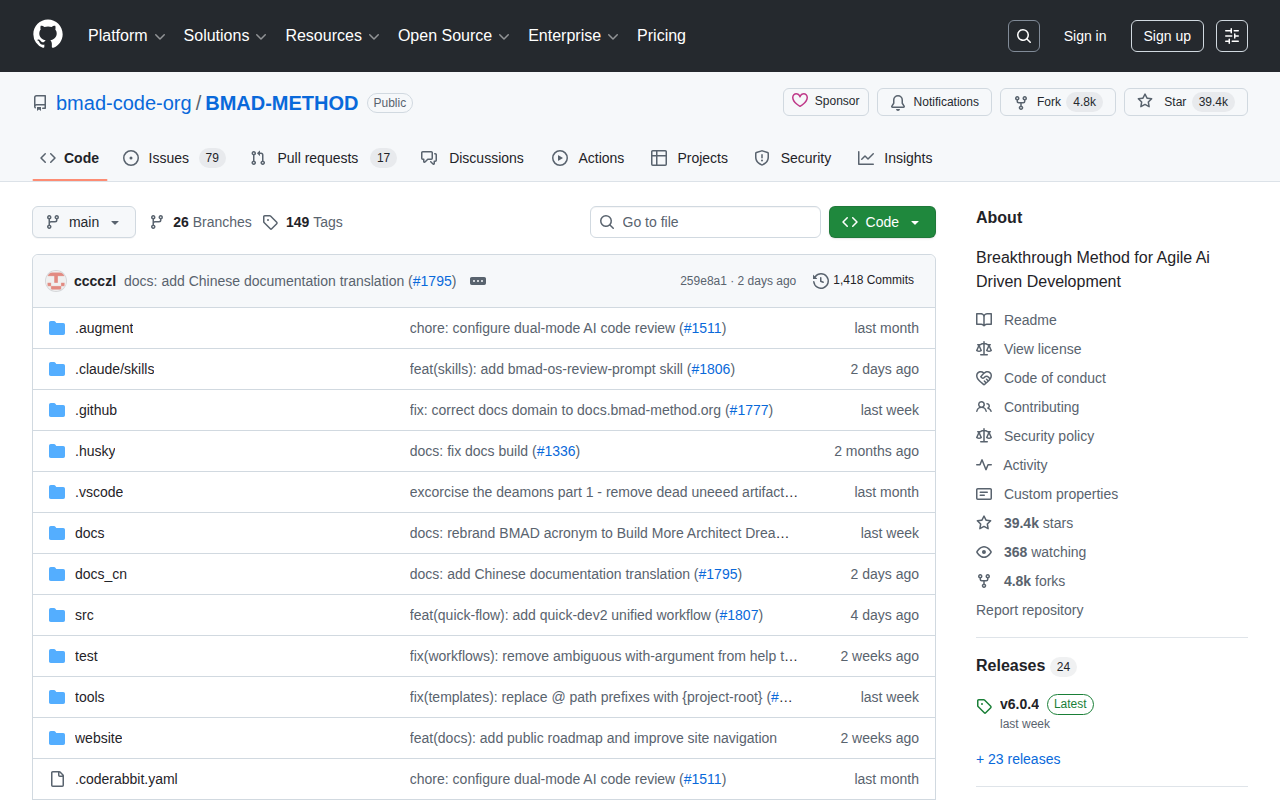 Our rating: BMAD is the most comprehensive framework in this list. It feels like a technical co-founder who is also a PM, architect and scrum master. The learning curve is real. But if you overcome it, you get enterprise-grade project management for AI-supported development. The highlight: BMAD can be combined with any IDE. Claude Code, Cursor, Kiro. It doesn't matter.
Ideal for: Professional dev teams, complex enterprise projects, teams that need role separation and complete documentation.
➡️ GitHub: BMAD Method | docs.bmad-method.org
4th GSD - Get Shit Done
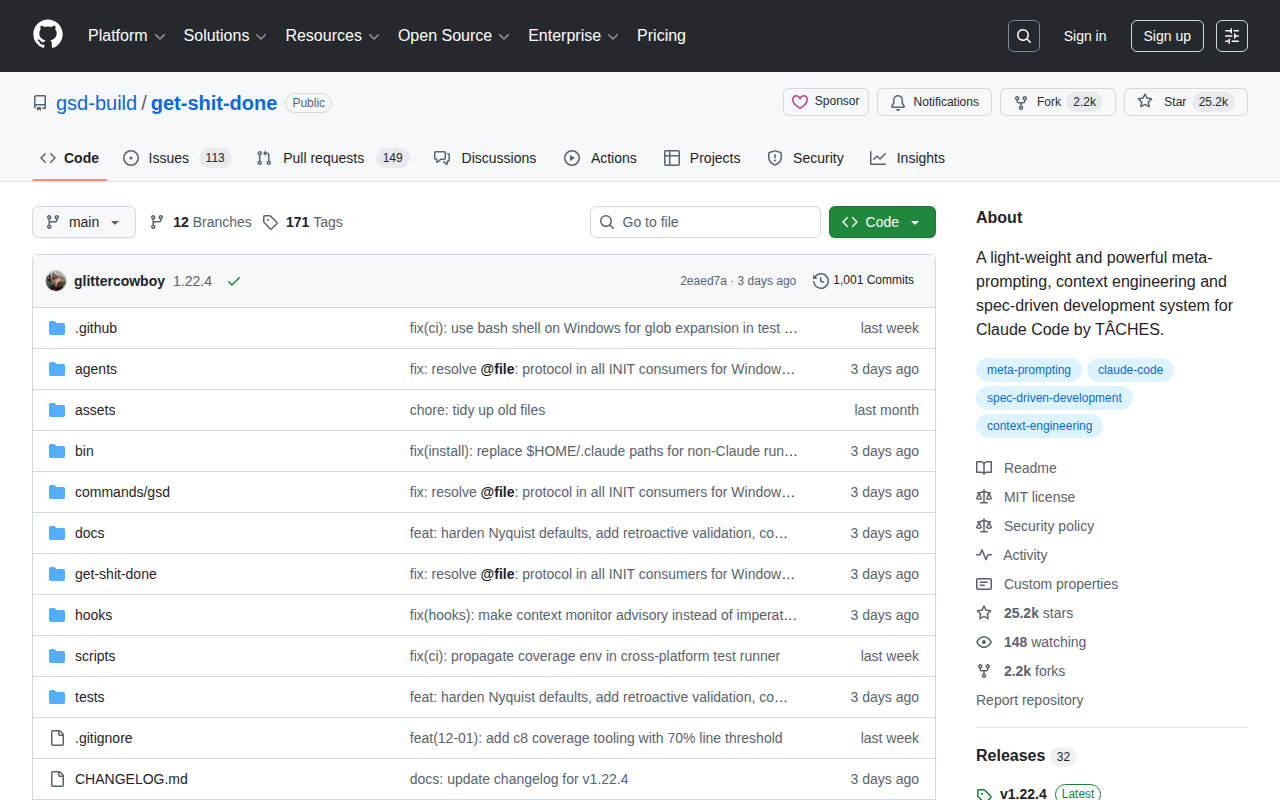 What is it? GSD is a meta-prompting, context engineering and spec-driven development system specifically for Claude code. It solves the context-rot problem through structured workflows, subagent orchestration and file system state management.
How does it work? The workflow is brutally simple: Discuss → Plan → Execute → Verify. Each phase runs in a fresh context window with its own sub-agents. The «Lean Orchestrator» uses only 15 percent of the context budget and delegates the actual work to specialized subagents. Each task ends with an atomic Git commit.
Our rating: GSD is the anti-enterprise theater framework. No overhead, no superfluous layers of abstraction. It does exactly what the name says. The community voices on Reddit are clear: «I've tried BMAD, SpecKit, Taskmaster. GSD has delivered the best results for me. By far.»
Ideal for: Solo devs and small teams who want to deliver quickly and reliably without having to spend weeks configuring a framework.
➡️ GitHub: GSD - Get Shit Done
5 Ralph Loop
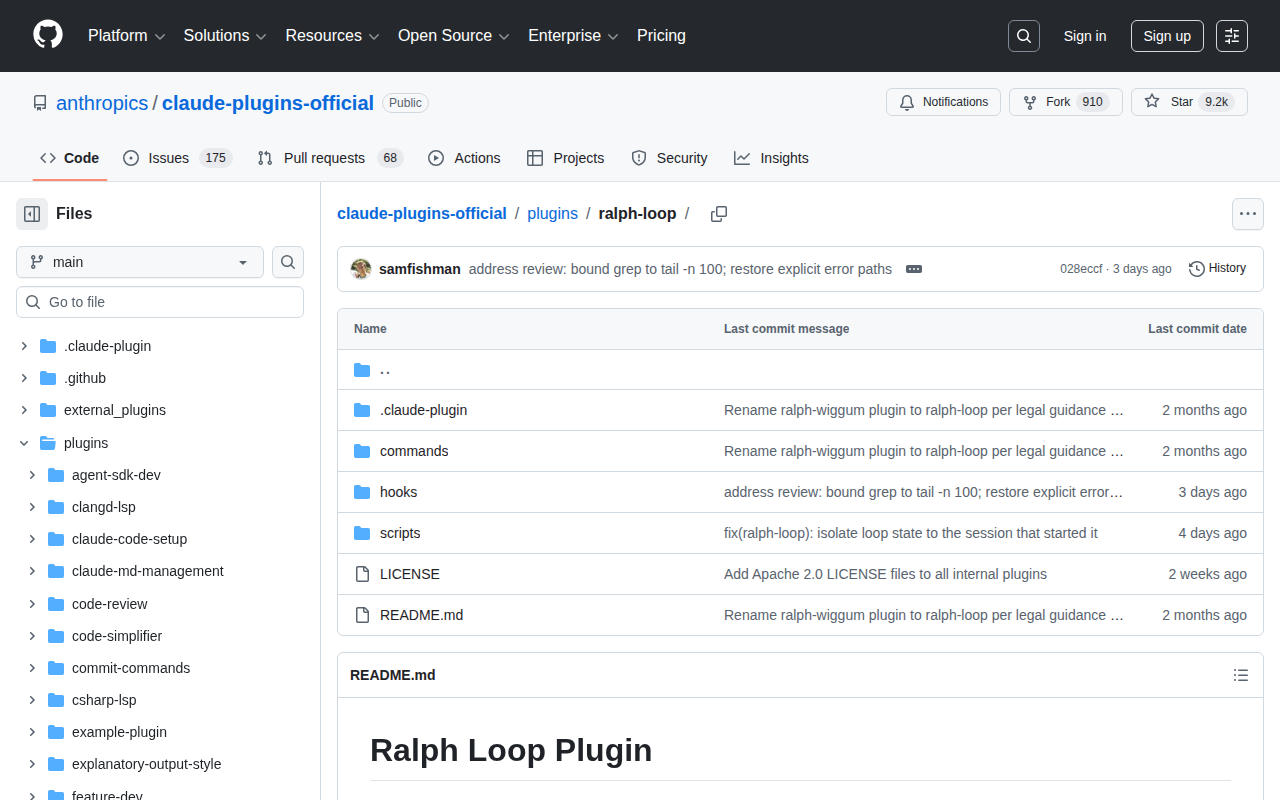 What is it? Named after the lovably stubborn Ralph Wiggum from The Simpsons, the Ralph Loop is a paradigm shift: instead of keeping a perfect context, it accepts that AI agents work best when they start fresh every time - and lets Git the memory layer be. The technology was originally developed by Geoffrey Huntley and exists in two variants.
How does it work? There are two approaches that should not be mixed up:
The external Bash variant (Geoffrey Huntley's original technique): A bash loop spawns a new Claude code process with a clean context window per iteration. The agent reads the PRD, checks the status of the codebase, processes a task, commits to Git and terminates. Then the next iteration starts completely fresh.
The official Anthropic plugin works differently: It uses a stop hook that intercepts Claude's exit attempt and feeds the same prompt again - within the same session. Claude sees his own previous work and builds on it. Not a fresh context window, but a controlled re-entry.
Anthropic has developed the Ralph Loop as official plugin in Claude Code integrated.
Our rating: The Ralph Loop is the tool for «start and go to sleep» workflows. But it relies heavily on preparation: Is your PRD good enough? Are your feature definitions precise? If not, no matter how many loops you run. Garbage in, garbage out. For tech-savvy devs with clear specs, the Ralph Loop is a productivity multiplier.
Ideal for: Unattended autonomous runs, projects with clearly defined specs, night batch jobs that need to be finished in the morning.
➡️ GitHub: Ralph Loop Plugin (Anthropic)
6 Claude Flow - Multi-Agent-Swarms for Enterprise
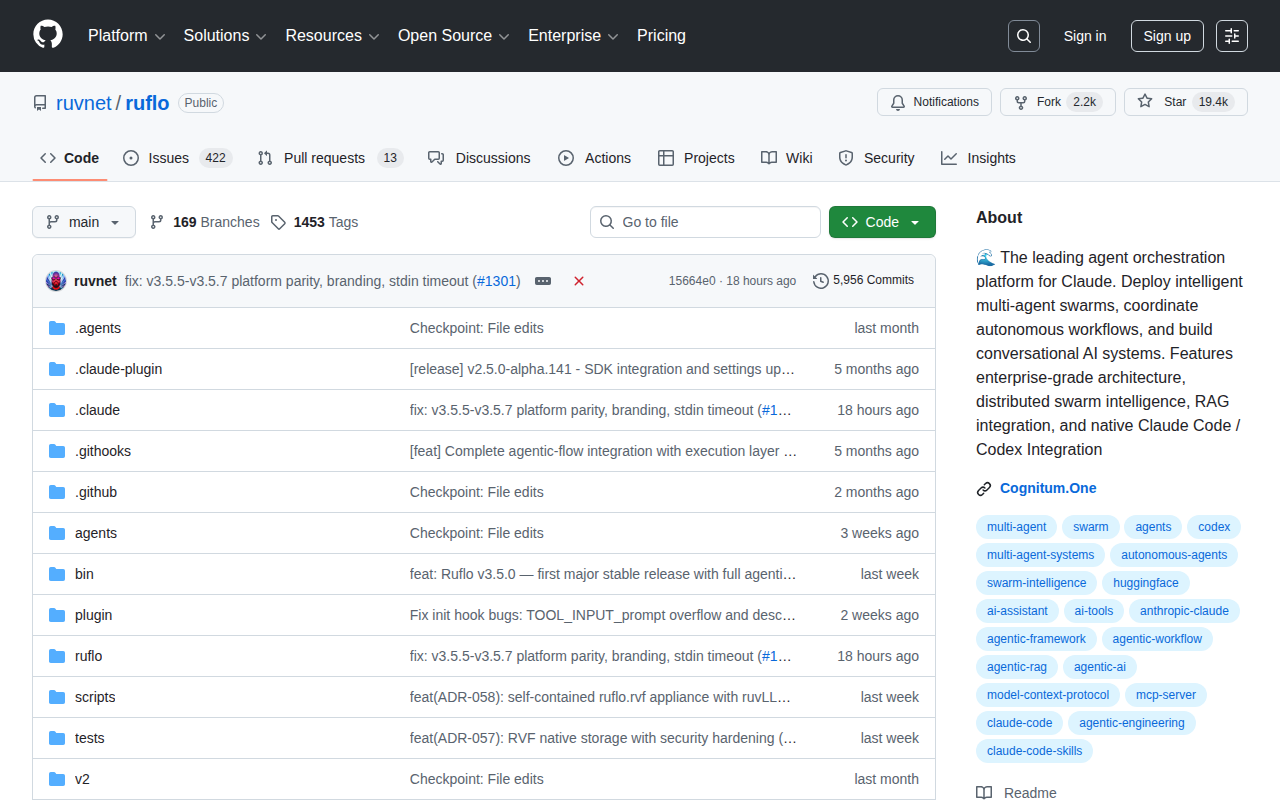
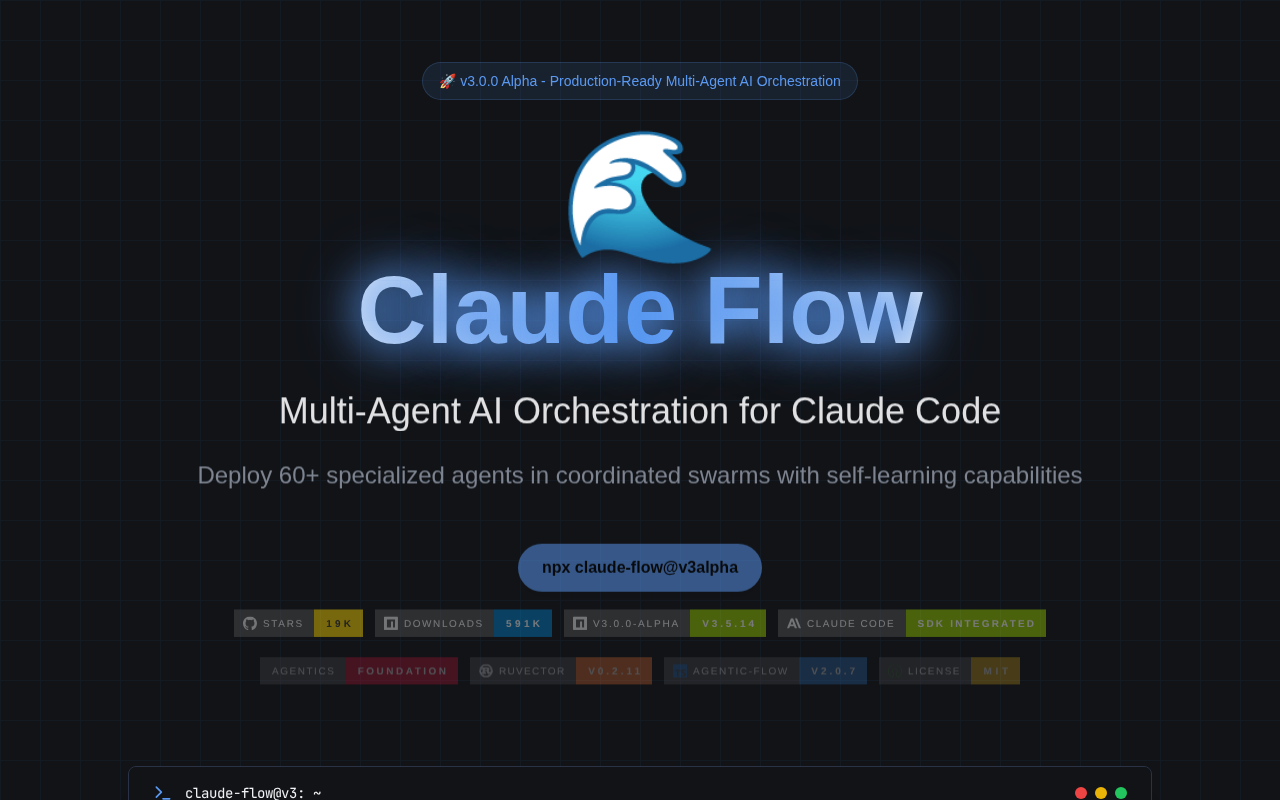 What is it? Claude Flow (now Ruflo) is a multi-agent orchestration platform for Claude Code. It enables the deployment of over 60 agents in coordinated swarms with shared memory, persistent workflows and RAG across the entire codebase. Currently with over 19,000 GitHub stars.
How does it work? Claude Flow comes with several components: an orchestrator that assigns tasks and monitors agents, a memory bank with CRDT-based shared knowledge, a terminal manager for shell sessions and a task scheduler with prioritized queues and dependency tracking.
A single command is enough: npx ruflo@latest init
 Our rating: Claude Flow is the most powerful tool in this list. And at the same time the one with the highest setup overhead. It is worthwhile for teams with clearly separated modules that are developed in parallel. For solo devs or small projects, it's overkill. But if you need enterprise observability, persistent sessions and true multi-agent coordination, there's no way around it.
Ideal for: Enterprise teams, projects with parallel module development, organizations that need observability and audit trails.
➡️ GitHub: Ruflo (Claude Flow v3.5) | claude-flow.ruv.io
7 Kiro CLI - The Spec-Driven Approach for the Terminal
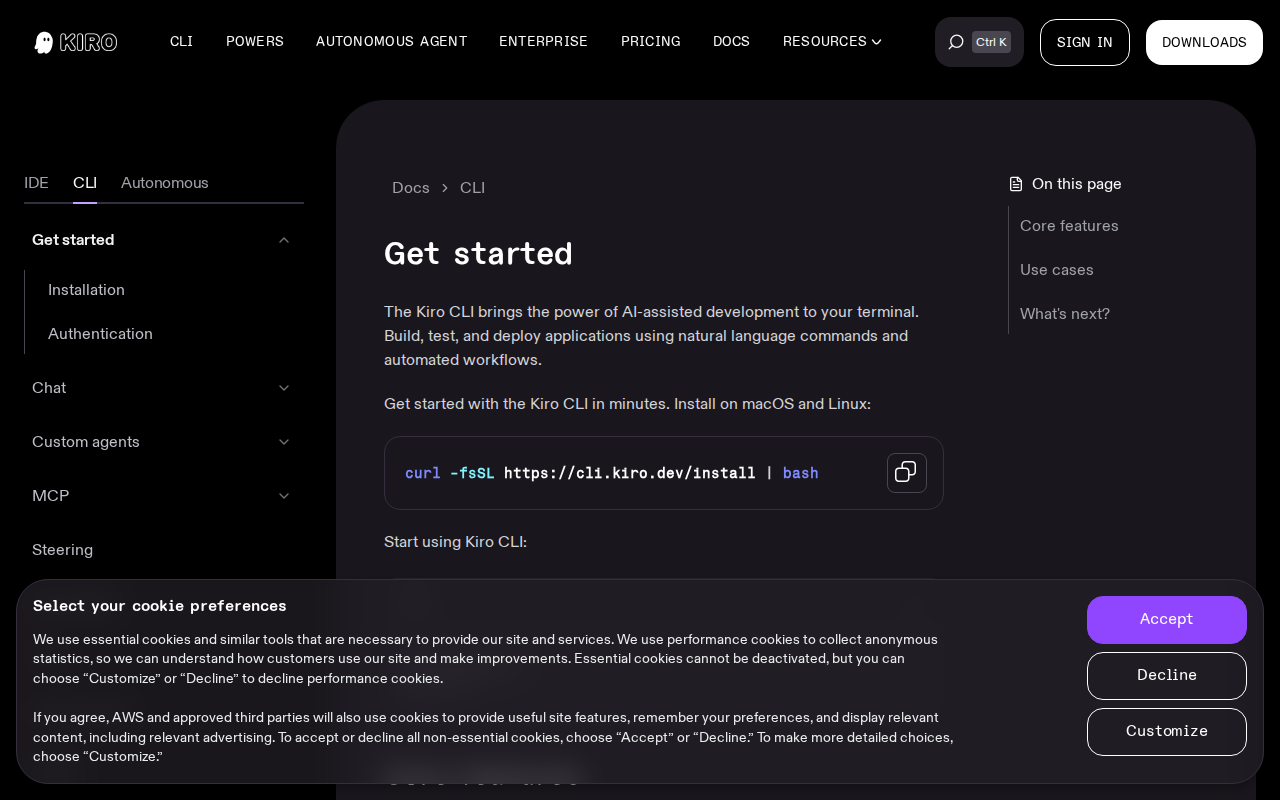 What is it? In addition to the IDE, Kiro also offers a CLI version. The same spec-driven philosophy, but for terminal users. You get the structured planning workflow of Kiro without the VS code interface.
Our rating: Exciting for teams that want to integrate the spec-driven approach into CI/CD pipelines - regardless of the cloud provider. Still relatively new, but the potential is there.
The elephant in the room: Why the «management layer» is becoming more important than code generation
After six months of intensive testing, an experienced product manager has summarized like this«The future of AI development tools does not lie in better code generation. It lies in better project management.»
And he is right. LLM-based code assistants are becoming a commodity. Everyone has them. Claude Code, Gemini, DeepSeek, Kimi. Code generation is becoming a standard feature.
The differentiator? What system can coordinate AI agents the way an experienced tech lead coordinates his team? Write specs. Prioritize tasks. Manage dependencies. Ensure quality. Maintain context across sessions.
This is exactly what BMAD, GSD, TaskMaster and Claude Flow are built for.
Which tool is right for you? The decision matrix
Are you a solo dev and want to deliver quickly?
→ GSD + Claude code. No overhead. Maximum output.
Are you in a small team (2 to 5 people)?
→ TaskMaster + Claude Code for task coordination. Or BMAD if you want enterprise structure.
Are you building a complex enterprise product?
→ BMAD for the methodology. Claude Flow for multi-agent orchestration. Kiro for the spec-driven workflow.
You want autonomous night runs?
→ Ralph Loop with clean PRDs.
Do you want everything from a single source?
→ Kiro (IDE + CLI) covers planning and implementation in one tool.
The future belongs to orchestrators
Here's the uncomfortable truth: in one to two years, no one will ask which LLM writes the code. The question will be: Which system orchestrates your AI agents most effectively?
The tools in this article are at the forefront of this development. They transform individual AI assistants into coordinated development teams. And they are available NOW. Open source. Ready to use.
While your competitors are still debating whether AI coding works at all, others are already building entire products with multi-agent swarms and spec-driven development.
Where do YOU stand?
You don't just want to understand agentic coding, you want to implement it in your team? We offer hands-on consulting and in-depth support during the AI transformation. From tool selection and workflow integration to productive use. No PowerPoint theater. Real implementation with real results.
👉 Contact us and let's find out together which Agentic coding stack is right for your team.
AI Developer Bootcamp
Establishing an AI-first approach- Are you getting started with AI in software development? Then the AI Developer Bootcamp is the right thing for you.
In 12 weeks we establish new and stable AI habits with hands-on tasks and weekly retros in a dazzling learning approach.
- 👉 Info & registration for the AI Developer Bootcamp: obviousworks.ch/training/ai-developer-bootcamp
Agentic Coding Hackathon
Be on course in 3-5 days!- Are you and your team already really good with AI? Then the Agentic Coding Hackathon is the right thing for you.
Learn and establish your new AI-based software development process in 3-5 days?
- 👉 Info & registration for the hackathon: https://www.obviousworks.ch/schulungen/agentic-coding-hackathon
FAQ: Agentic Coding
How much can I realistically save through token optimization?
With a combination of the strategies described, 70-80% cost savings are realistic with good implementation. The greatest impact comes from prompt caching (up to 90% on input tokens with a high hit rate) + smart context engine (40-60%). 90%+ total savings can only be achieved in edge cases with perfect implementation.
Which token optimization should I implement first?
Start with Prompt Caching - it offers the best effort/result ratio. With Anthropic: Use cache_control for precise control. After that: Model routing for different task types. Third: Semantic caching for redundant tool calls.
Does Anthropic/Claude have a batch API with discount?
No. The Batch API with 50% Flat-Discount is an OpenAI feature. Anthropic does not offer a comparable batch API. For asynchronous processing with Claude: Use AWS Bedrock or Vertex AI Integration.
How do I measure my current token consumption?
Use Langfuse or Phoenix for detailed tracking, or LiteLLM as a proxy with built-in monitoring. The /cost command in Claude code is not available in all environments.
Are token optimizations associated with a loss of quality?
If implemented correctly: No. Strategies such as prompt caching or token-efficient tools compress without loss of information. But beware: overly aggressive context compression or incorrect model routing can impair quality. Always test!
Does Claude Code apply all optimizations automatically?
Not all of them. Auto-compaction works automatically. But prompt caching often needs to be configured manually (cache_control), and tool optimizations depend on the setup. Precise prompts and CLAUDE.md configuration remain crucial.
At what volume is the effort worthwhile?
From approx. CHF 100/month API costs, the investment is worthwhile. Optimization is vital for high volumes. Start with prompt caching - minimal effort, often 50-90% savings on cached tokens.
What is the difference between agentic coding and normal AI coding?
Normal AI coding is autocomplete on steroids. Agentic coding means that the agent plans, implements, tests and iterates autonomously. You set the direction. The agent delivers.
Do I need an orchestration tool if I am already using Claude Code?
Yes, Claude Code alone is a powerful engine. But without control, it runs in circles. Frameworks such as GSD or TaskMaster give the agent structure and prevent context rot.
Can I combine several of these tools?
Absolutely. BMAD + TaskMaster is a popular combination. BMAD for the methodology, TaskMaster for task management. GSD + Ralph Loop also works if you want to combine autonomous runs with structured planning.
What does it all cost?
GSD, BMAD, TaskMaster, Ralph Loop and Claude Flow are open source (MIT license). You only pay for your Claude code subscription (20 dollars per month for Pro, 100 dollars for Max) and API tokens. Kiro is currently in free preview.
How steep is the learning curve?
GSD: Flat, you'll be productive in an hour.
TaskMaster: Medium, CLI experience required.
BMAD: Steep, but worth it for complex projects.
Claude Flow: Steep, Enterprise setup required.
Ralph Loop: Flat in the setup, the challenge lies in PRD writing.
Which tool do you recommend to get started?
GSD. It is lightweight, can be used immediately and delivers fast results. If you realize that you need more structure, switch to BMAD or TaskMaster.
What is Spec-Driven Development?
Spec-Driven Development is a methodology in which specifications become first-class, executable artifacts. You write the spec first, then the AI generates code that honors that contract. Tools like Kiro, BMAD and GSD all rely on this approach.
Do these tools only work with Claude?
Most of the tools are optimized for Claude Code, but not limited to it. GSD also supports OpenCode and Gemini CLI. TaskMaster works with various AI providers. BMAD is IDE agnostic and works with any AI agent.

Matthias (AI Ninja)
Matthias puts his heart, soul and mind into it. He will make you, your team and your company fit for the future with AI!
About Matthias Trainer profile
To his LinkedIn profile
 DE
DE  EN
EN